Business card builder: the card that lives on your own link
Build the card itself, not a picture of one.
The builder makes a card that lives at an address of your own. It installs on a phone from the browser, saves into Apple Wallet or Google Wallet, and carries a form the person you met can write back through. Edit it once and every copy already handed out is right.



From $0.99 a month — or free
How it works
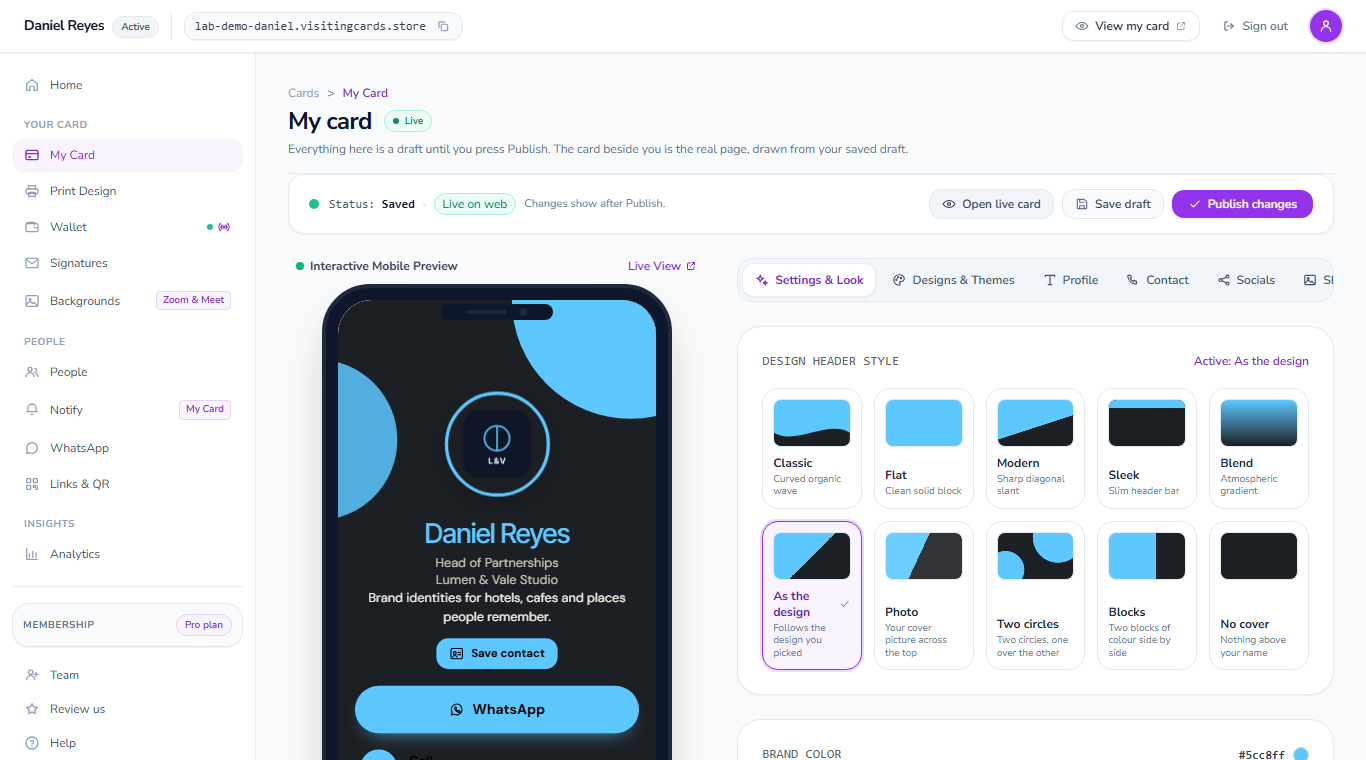
Build the card
Take the name your card answers to, then fill in your photograph, title, company and a button for each way you want to be reached. The card redraws on the phone beside the panels as you go.
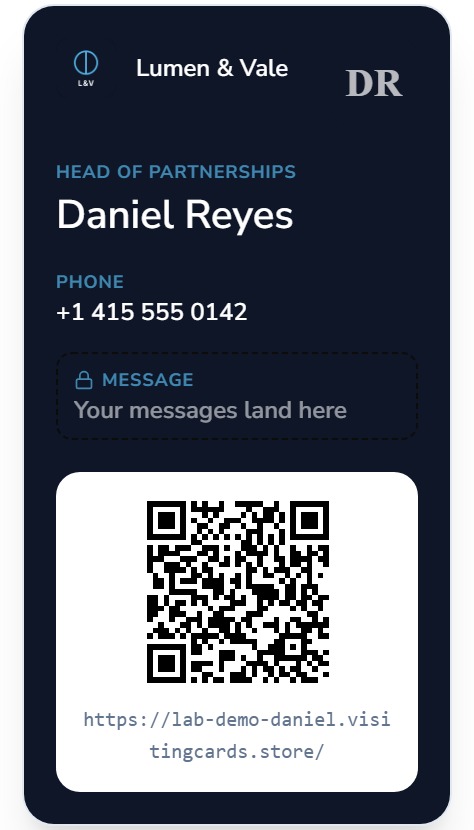
Put it in their pocket
One press saves you into their phone as a real contact. They can add your card to Apple Wallet or Google Wallet as a pass that updates itself, and your card can send them a notification later: a follow-up, a reminder, news from you.
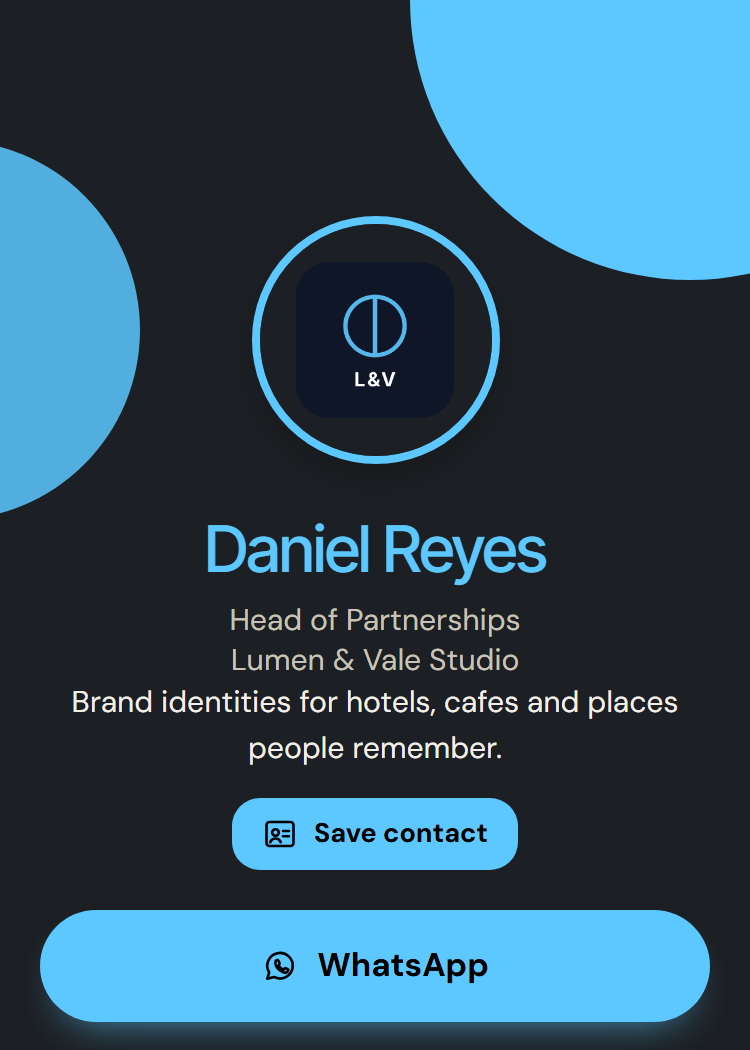
Publish and hand it over
Publishing puts the card live at your address. Show the code, send the link or add the wallet pass, and keep editing: the address stays put.
Start from a card that already looks right
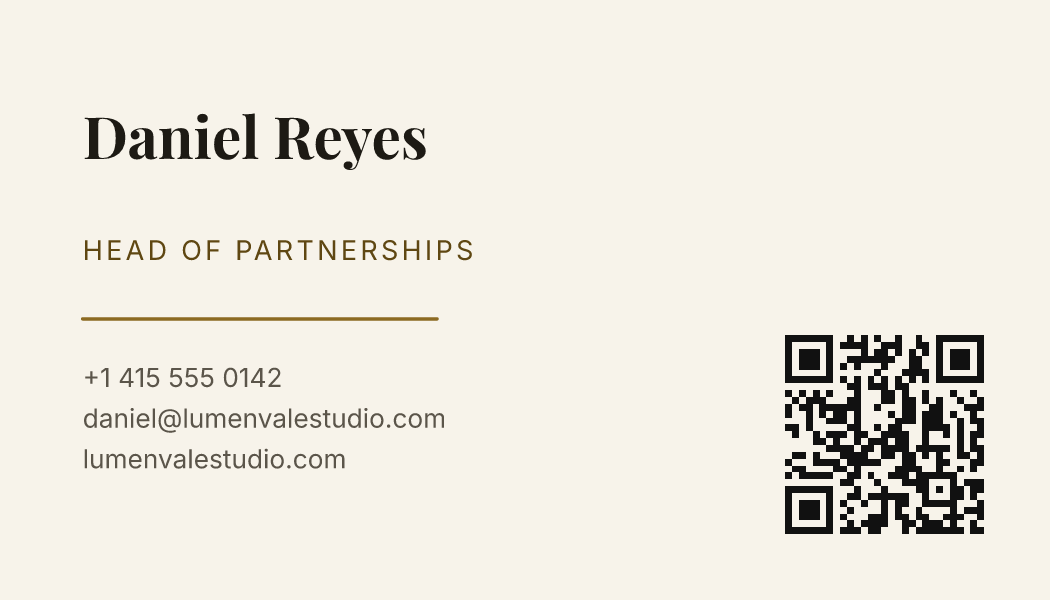
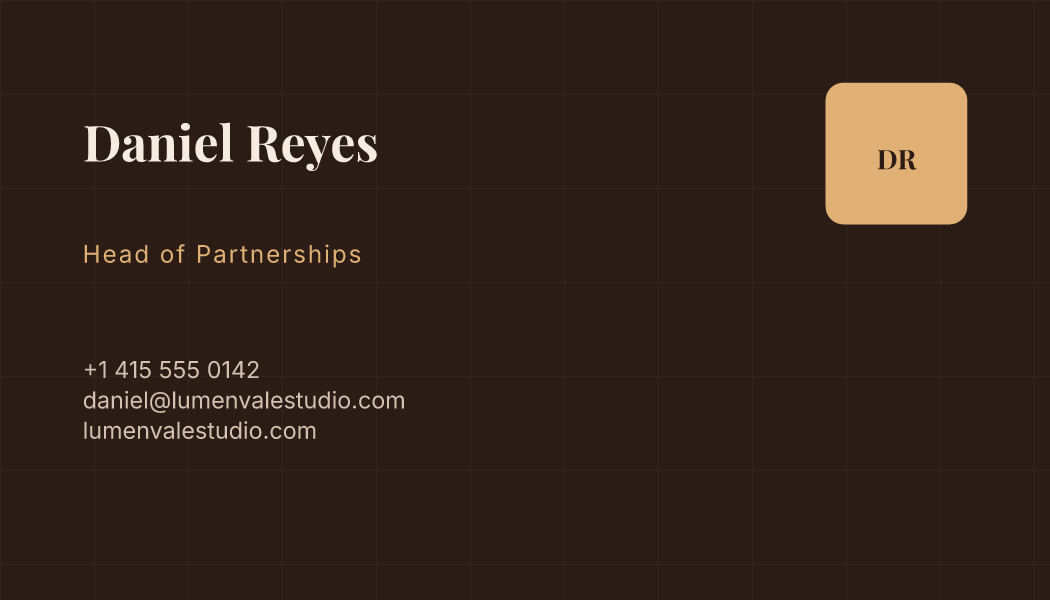
Every one of these was drawn by the builder itself from one set of details. Pick a design and your own name, job and number drop into it.

The wallet, the codes and the links
Apple Wallet and Google Wallet
A pass that sits with their tickets
Your card can be saved as a pass in Apple Wallet or Google Wallet. You write the pass on its own screen and see it drawn as you type; change it and every pass already handed out shows the new words.
- Your logo, your name, your job and a QR code on the pass
- A message from you lands on the pass itself
- No app for them to download
QR codes
A code for every place you hand it out
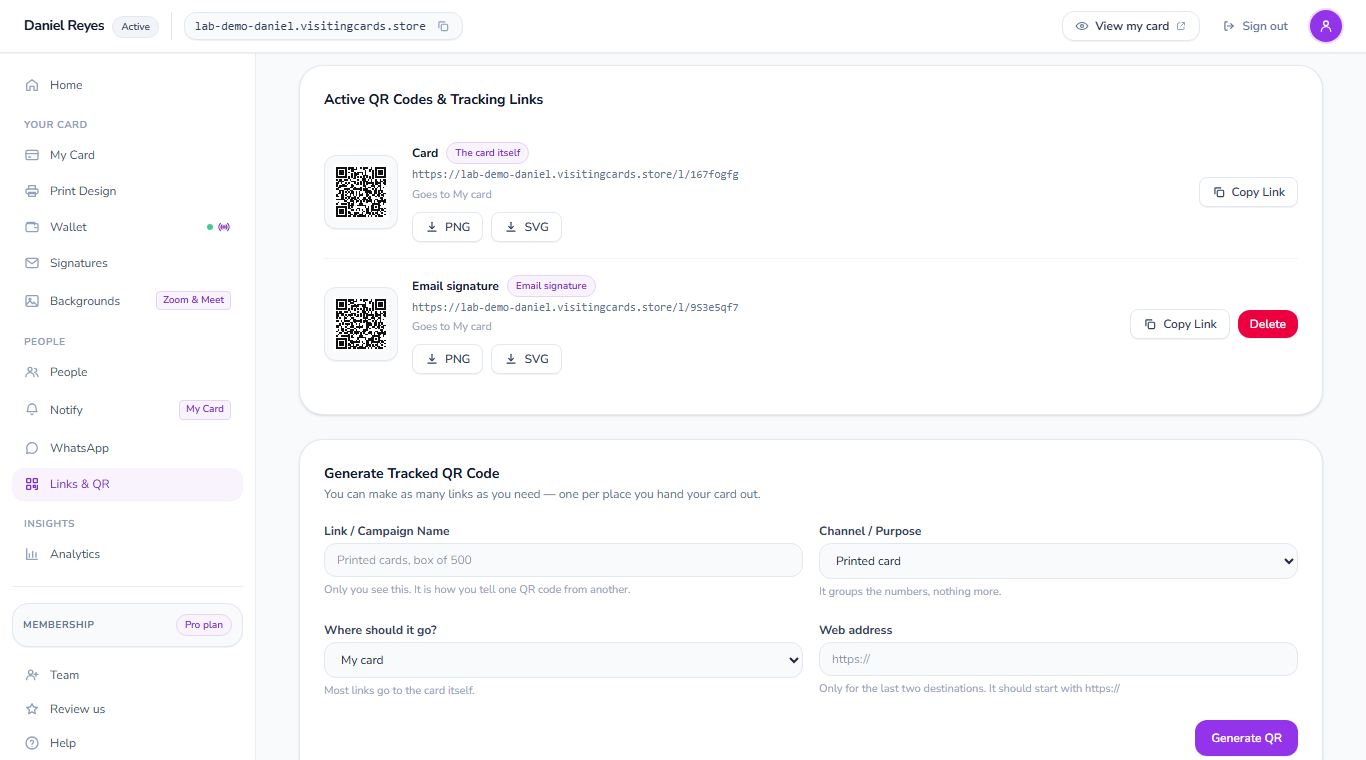
Every card comes with its own QR code, and you can make one for each place you hand your card out: the printed card, your email signature, a stand at an event. Download each as PNG or SVG.
- A QR code on the printed card that opens the living one
- PNG for screens, SVG for print
- The code never changes when the card does
Tracked links
Know which one worked
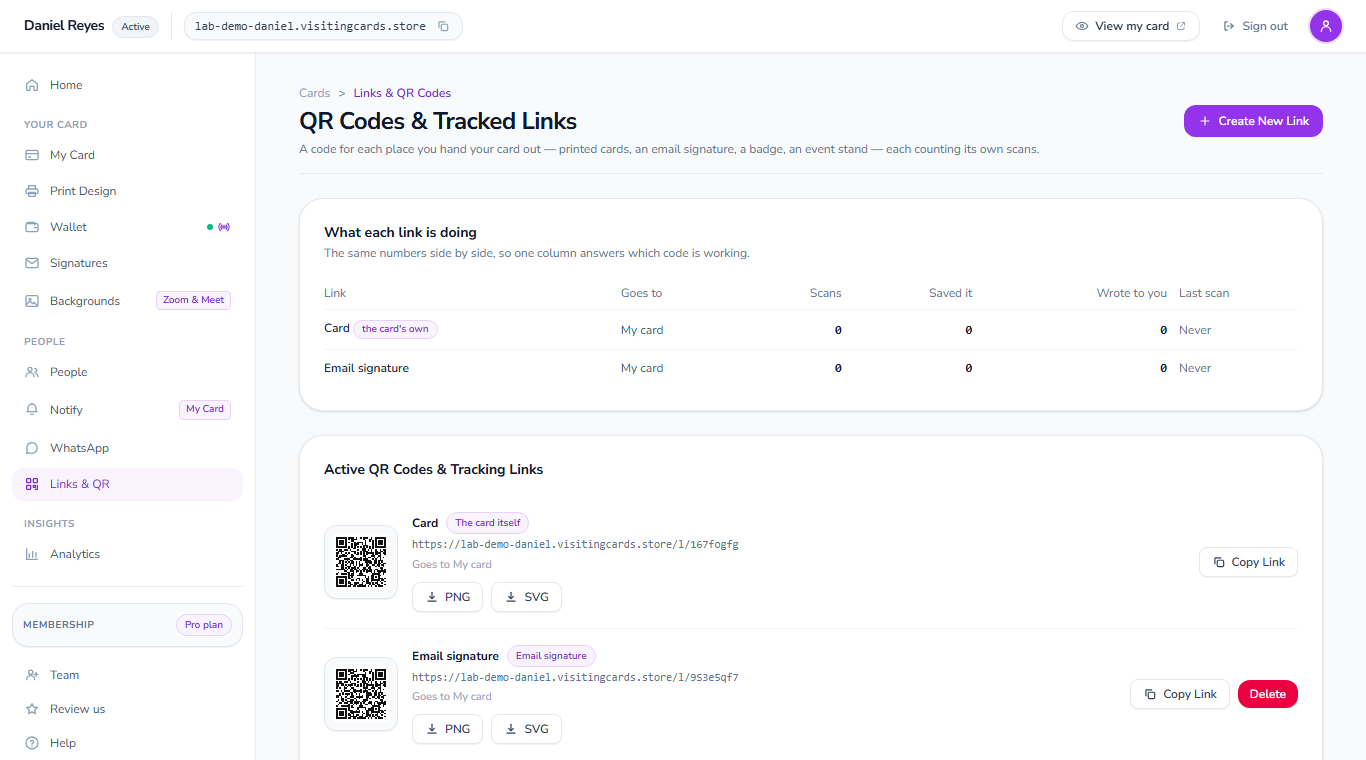
Each link and code counts its own scans, the people who saved your details and the people who wrote to you, side by side, so one column tells you where your card is doing its job.
- Scans, saves and messages for every link
- The day each one was last scanned
- Your own list of everybody who wrote to you
What you are building
A page of your own at your own address, holding your photograph, your title, a button for each way you can be reached, and a code that opens all of it on somebody else's phone.
Building it is a screen of panels rather than a form: the details, the look, the buttons and the extras, each one redrawing the card beside it as you go. Nothing is published until you say so.
The part a printed card cannot copy is what happens afterwards. Change your number, move company, add a second language, and the link you handed out last winter shows the new version the next time anyone opens it.
It also tells you something back. You can see how often the card was opened and what people pressed, and anyone who writes through the form arrives in a list that is yours to export.
What the built card costs
From $0.99 a month — or free
The first card on your own address is $0 and stays that way.
See the plans in full →A downloaded file and a built card
Both start in the same place. They part company the day a detail changes.
| A file you downloaded | A card you built | |
|---|---|---|
| Fixing a wrong number | Redraw it and print again | One edit, and every link and code already shared is correct |
| Getting into their phone | They type it out of the card | One press drops your details into their contacts |
| On the lock screen | Not possible | A wallet pass sits with their tickets and updates itself |
| Hearing back | They have to find you | A form on the card, and the message lands in your list |
| Knowing it was seen | No way to tell | Opens and presses, counted and shown to you |
What the built card reaches
One set of details, read by everything below.
Apple Wallet pass
Your card as a pass, kept where their tickets are, updated each time you publish a change.
Apple Wallet pass→Google Wallet pass
The same pass saved in a tap, and it changes on their phone when you publish a change.
Google Wallet pass→What a card feeds
Email signatures, meeting backgrounds and the other places the same details appear.
What a card feeds→Every template
Sorted by style and by trade. Tap one and it arrives in the maker, ready for you.
Every template→Digital business cards
What one is, how people save it, and what it does that paper cannot.
Digital business cards→Business card maker
The form, the designs and the download, on one screen. Nothing to install.
Business card maker→About the built card
How is this different from the free maker?
The maker ends with a file on your computer. The builder ends with a living page at your own address that you can change afterwards, and that can send you the people who used it.
Does the other person need to install anything?
No. It opens in the browser their phone already has. Adding it to a home screen or a wallet is offered, never demanded, and saving your contact details works without either.
Can I still have something printed?
Yes, and the two work best together: put the code on the board, and the paper you hand out today keeps pointing at whatever the card says next year.
What does it cost to start?
The first card is free for as long as you want it, carrying a small line naming the site. A paid plan removes that line and opens the rest; every figure sits on the plans page.
Who owns the address if I stop paying?
It stays yours and the card stays readable. Editing it, keeping new messages and sending alerts are what need an active plan.
If a file is what you wanted
These three end in a download instead, and they ask nothing of you.
- Business card makerStraight to a print-ready file in about a minute, with no account anywhere in the way.
- Visiting card makerThe same download for readers in India, Pakistan, Bangladesh and the Gulf.
- Name card makerAnd for Singapore, Malaysia and Hong Kong, under the word used there.
Take your address
Pick the name, build the card, publish it. The first one is free and the link belongs to you from that moment.