Digital business cards for restaurants and cafes
The menu, the hours and the way there, on the counter and in their phone.
A restaurant card is a counter card: hours, a map, the menu and the wireless password. Print the code, stand it where people pay, and a customer leaves with all of it saved rather than a leaflet they will drop.
See it filled in
Luca Ferrante and Cinderfig Kitchen are made up. This is how a card for restaurants and cafes reads with every line filled in. Pick a design to open it in the free maker with your own details.
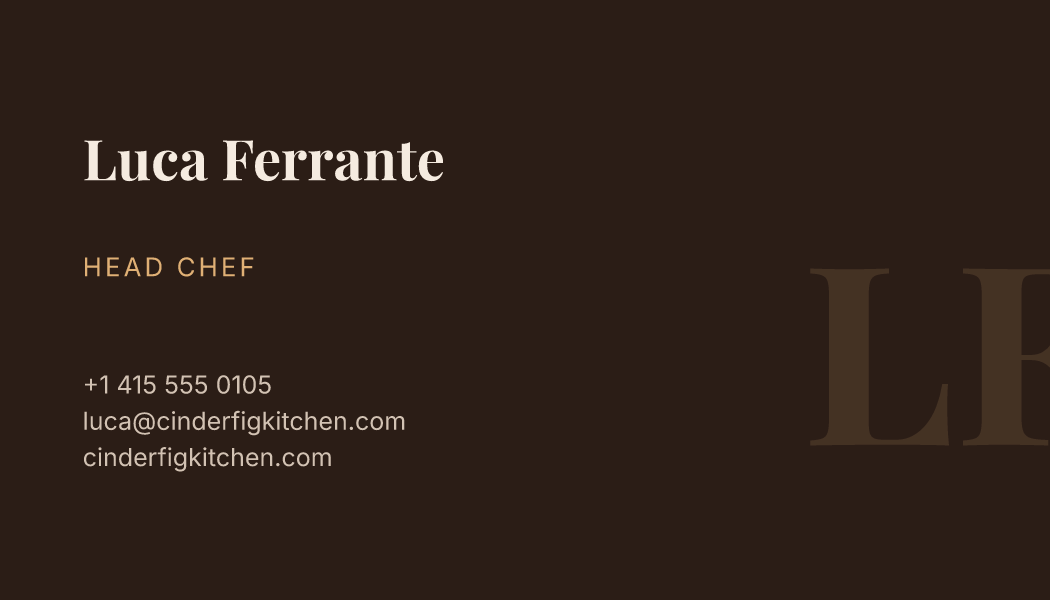
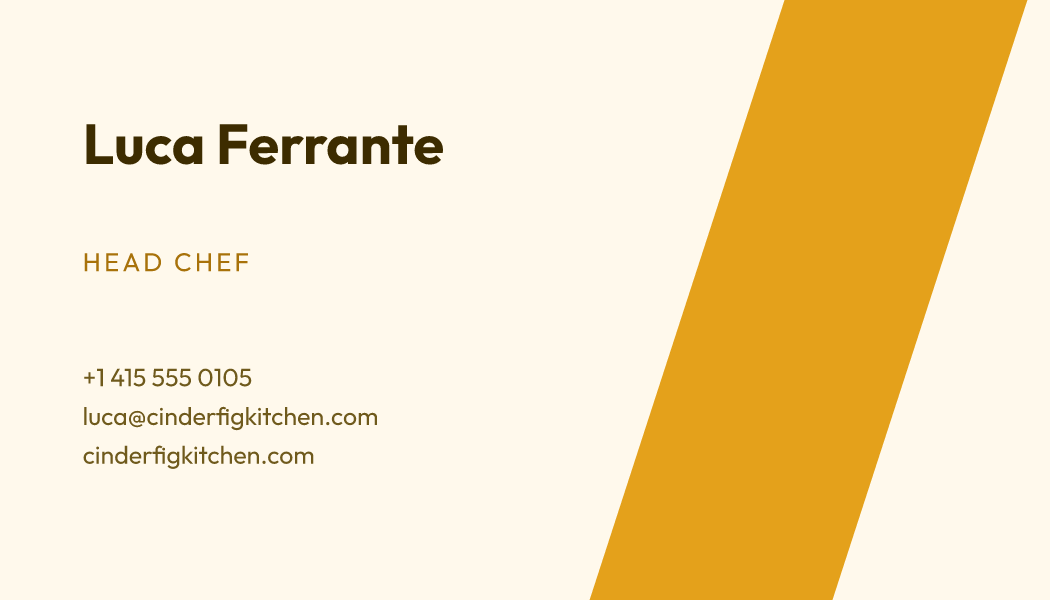
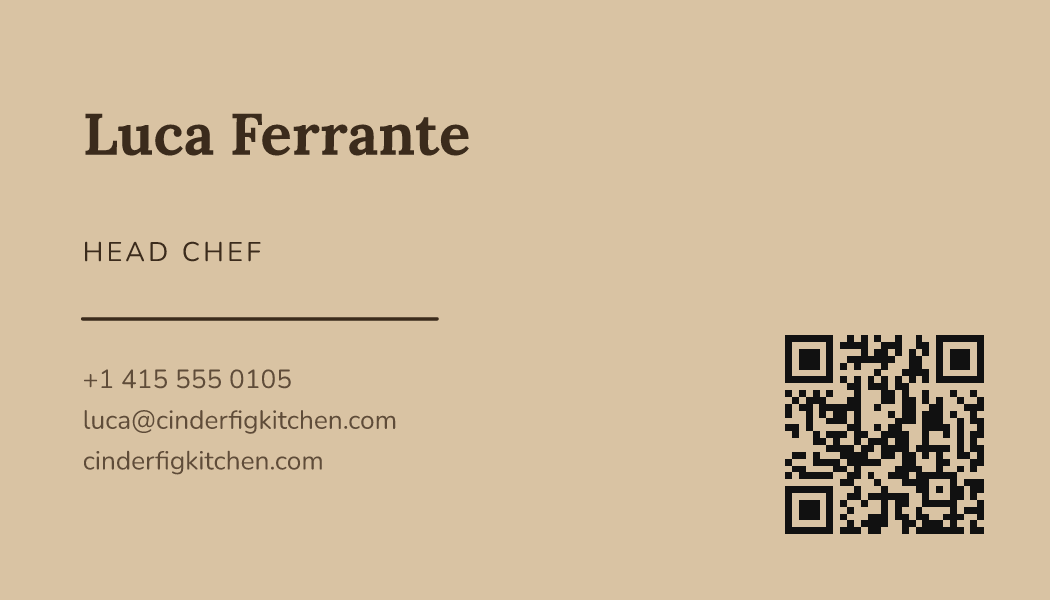
What this card can carry
- MenuOpens today's menu, wherever you keep it.
- Order onlineGoes straight to the page where people order online.
- Opening hoursKitchen hours, so nobody turns up after the last order.
- MapA map to the table, for the first visit.
- Guest Wi-FiThe guest Wi-Fi name and password, shown on the card.
Sign up with your email from this page and your first card starts with these switched on.
A counter card that keeps working
Leaflets are read once and binned. A code on the counter is scanned by the person waiting for a coffee, and what they save is a link that still knows your hours in November.
Menus change and printed ones lag behind. Editing the card is a minute of somebody's morning and the version in every customer's phone is right from then on.
The parts that matter for restaurants and cafes
Every one of these is a section of the card you switch on and fill in yourself.
- The menuDishes and prices, edited the morning something changes.
- When you are openThe late night and the day you close, both visible before anybody walks over.
- A map to the doorFor the customer who was recommended you and has only a name.
- The wireless passwordAsked for twenty times a day, answered once on the card.
Designs for restaurants and cafes
Warm colours and friendly lettering that sit well beside a counter or a bill.
Print a starter sheet
Ten copies of Luca Ferrante’s card, laid out to cut. Print one to check your printer and your paper, then make your own in the free maker and print that instead.
- A4 sheet (PDF)10 cards on one A4 page, 2 across and 5 down, with cut lines.
- US Letter, Avery-compatible (PDF)10 cards on one US Letter page, 2 across and 5 down, with cut lines, on the Avery-compatible 8371 / 5371 grid.
The US Letter sheet follows the grid Avery 8371 and 5371 sheets are cut to, so it is Avery-compatible. It is not made or endorsed by Avery.
What it costs
The maker and the print-ready download cost nothing; this is the card on your own link.
From $0.99 a month. Free plan too.
One card on your own link is $0, for as long as you like.
Or $9.99 a year ($0.83/month).
See the plans in full →Questions from restaurants and cafes
Can I put the code on the tables?
Yes, and on the window and the bill. One code, wherever you print it.
Do I need a website as well?
Plenty of small places run on this alone, because it carries the menu, the hours and the way there.
Can I change the menu from a phone?
You edit it from the dashboard on any phone, and the card is right the moment you save.
Where to go next
The free doors first, and the plans page whenever you want it.
Create your free card
Your own link, your details, and a QR code that opens it. Free to start.
Create your free card→Templates
Every design, by style and by trade, each one opening in the maker with your details.
Templates→QR code business card
A square code on the paper card that opens your details on their phone.
QR code business card→Business card maker
Type your details, pick a design, download a print-ready file. No account and no watermark.
Business card maker→Make yours
Stand the code on the counter and let people leave with your details rather than a leaflet.