Digital business cards for doctors and dentists
The details a patient needs between one appointment and the next.
A patient needs your clinic hours, the address and a way to ask a question, usually on a day they feel unwell. A card on a link keeps all three in their phone, with nothing to install and nothing to remember.
See it filled in
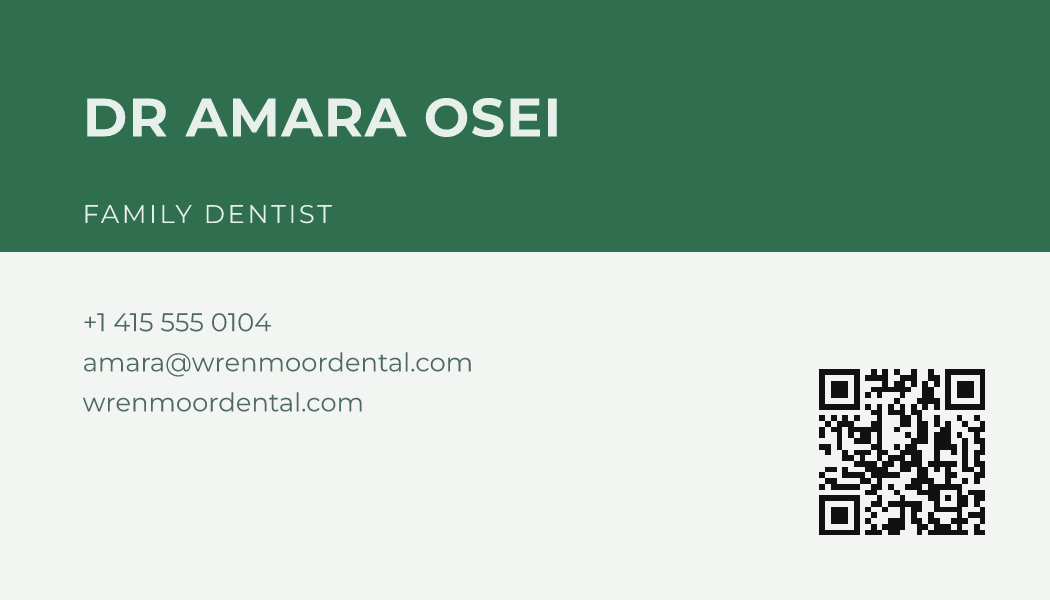
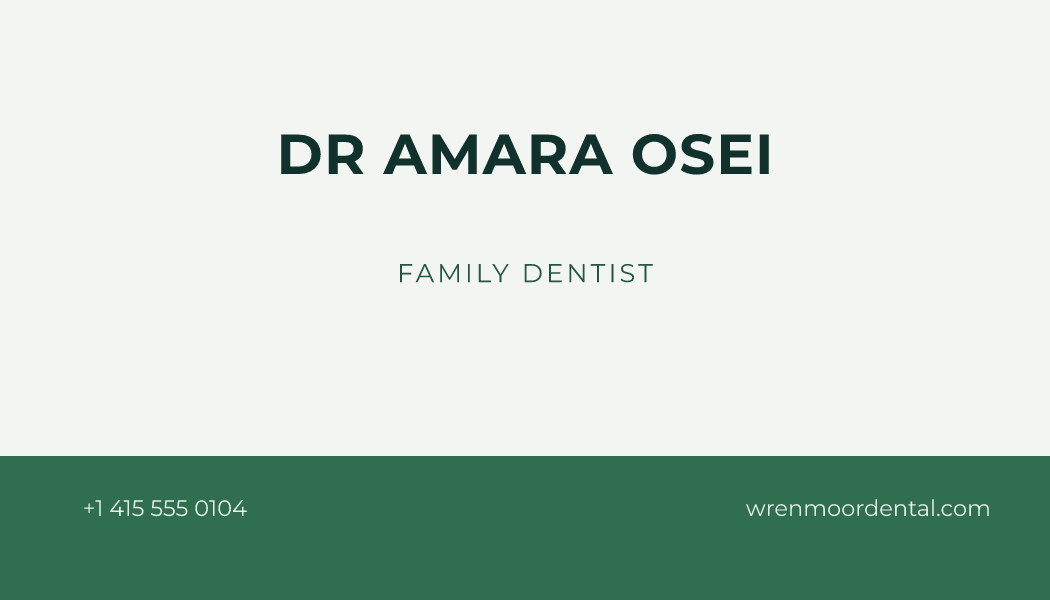
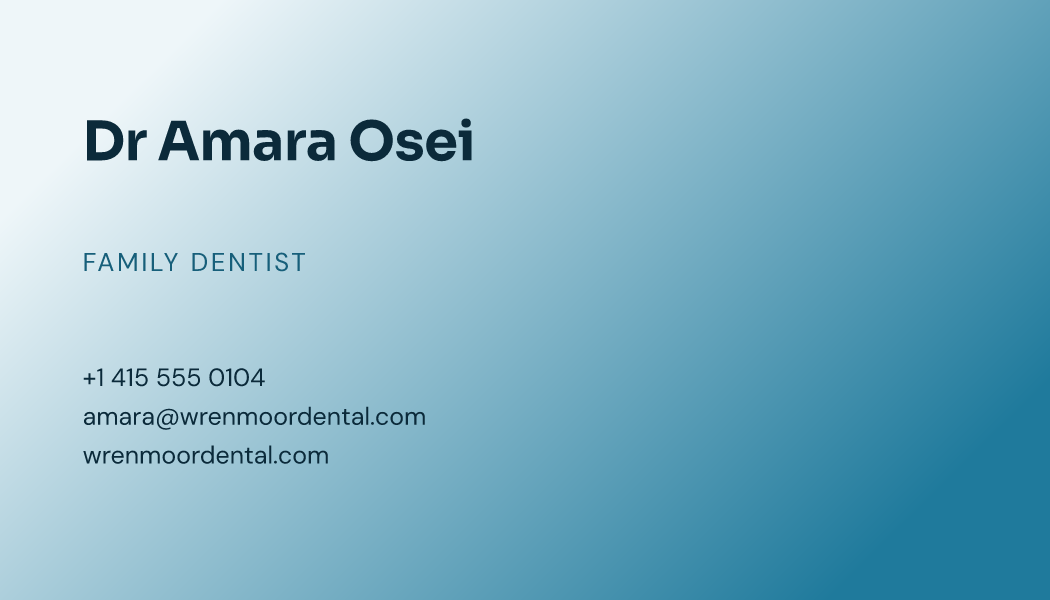
Dr Amara Osei and Wrenmoor Dental are made up. This is how a card for doctors, dentists and clinics reads with every line filled in. Pick a design to open it in the free maker with your own details.
What this card can carry
- Book a timePatients open your appointment page and pick a time.
- CallThe front desk's phone line, one press away.
- Opening hoursClinic hours, late evenings and Saturdays included.
- DirectionsDirections to the clinic in the map app they already use.
- Questions people askAnswers to the questions reception hears every day.
Sign up with your email from this page and your first card starts with these switched on.
A card that answers calmly
A clinic card is read by somebody who is worried, often in a hurry, often on a small screen. Plain lettering, a clear address and one obvious way to get in touch do more good than anything decorative.
Referrals travel by card more than by anything else. A colleague who can forward a link rather than a photograph of a card is far more likely to pass a patient your way.
The parts that matter for doctors, dentists and clinics
Every one of these is a section of the card you switch on and fill in yourself.
- Clinic hoursIncluding the afternoon you do not sit, which is the one people get wrong.
- The clinic on a mapThe entrance a patient should actually walk to, pinned.
- What you treatThe list a referring colleague scans before sending somebody over.
- Your qualifications, in your own wordsWhat you trained in and where, written by you rather than implied by a logo.
Designs for doctors, dentists and clinics
Calm colours and orderly layouts where the telephone number is the easiest thing to find.
Print a starter sheet
Ten copies of Dr Amara Osei’s card, laid out to cut. Print one to check your printer and your paper, then make your own in the free maker and print that instead.
- A4 sheet (PDF)10 cards on one A4 page, 2 across and 5 down, with cut lines.
- US Letter, Avery-compatible (PDF)10 cards on one US Letter page, 2 across and 5 down, with cut lines, on the Avery-compatible 8371 / 5371 grid.
The US Letter sheet follows the grid Avery 8371 and 5371 sheets are cut to, so it is Avery-compatible. It is not made or endorsed by Avery.
What it costs
The maker and the print-ready download cost nothing; this is the card on your own link.
From $0.99 a month. Free plan too.
One card on your own link is $0, for as long as you like.
Or $9.99 a year ($0.83/month).
See the plans in full →Questions from doctors, dentists and clinics
Is a patient enquiry private?
It goes to your dashboard and nowhere else, and the card asks only for what you switch on.
Can I list more than one clinic?
The card carries the address and hours you publish; a second clinic is usually a second card on the same account.
Can I hand this to a patient on paper too?
The free maker prints a card with the code on it, which opens the same details you keep here.
Where to go next
The free doors first, and the plans page whenever you want it.
Create your free card
Your own link, your details, and a QR code that opens it. Free to start.
Create your free card→Templates
Every design, by style and by trade, each one opening in the maker with your details.
Templates→Features
Email signatures, call backgrounds, wallet passes and everything else the card feeds.
Features→Business card maker
Type your details, pick a design, download a print-ready file. No account and no watermark.
Business card maker→QR code business card
A square code on the paper card that opens your details on their phone.
QR code business card→Make yours
Keep the clinic's details somewhere a patient can find them on a bad morning.