
Visiting Cards.Store

Help Center

How can we help?

Every screen and every button, in plain words.

Find a feature, A to Z

Start here

The first steps for the account you have, in the right order.

Browse by topic

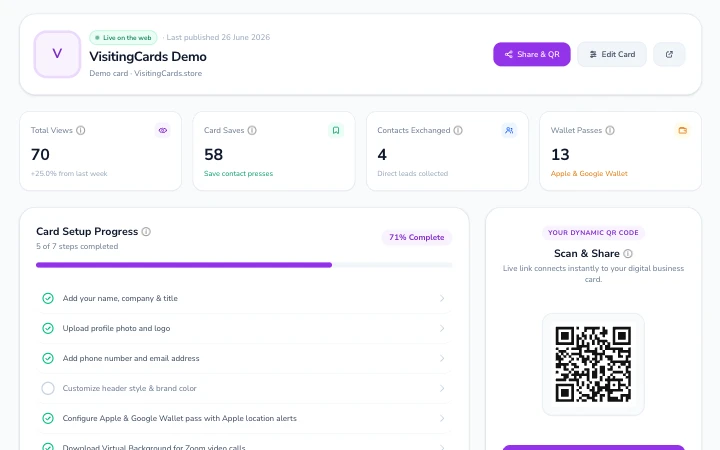
  • The dashboard's Home: the card's banner, four number tiles, the setup progress list and the card's QR code.

    Getting started

    Sign up, confirm your email, find your way round the dashboard.

    16 articles
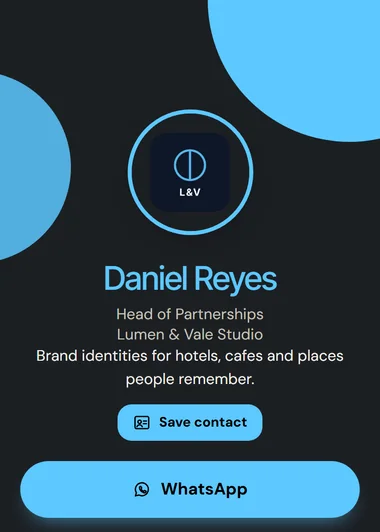
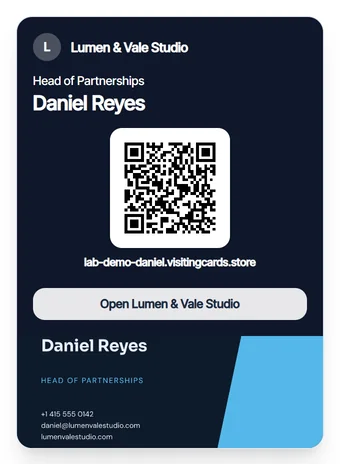
  • A card page: a logo in a ring, then the name, job title and company.

    Building your card

    Every tab of My Card, from your name to the buttons and the look.

    33 articles
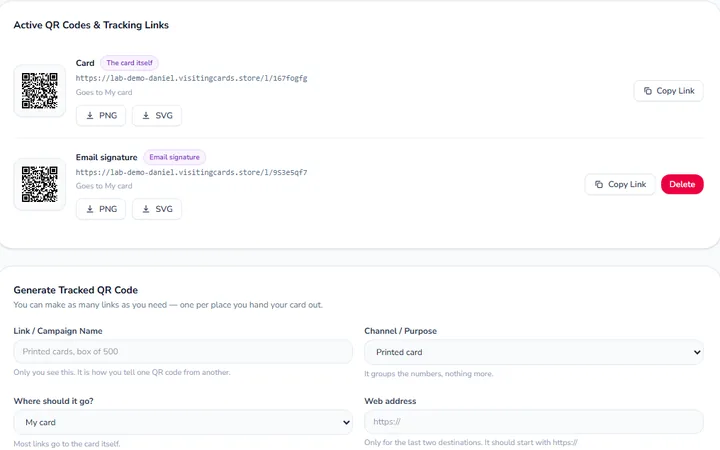
  • The Links & QR screen, listing two QR codes with their links and download buttons.

    Sharing, links and QR codes

    Hand your card over, and see which code brought people in.

    18 articles
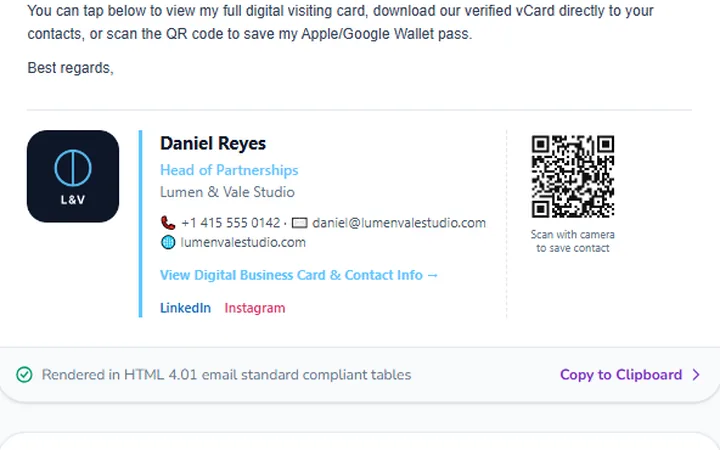
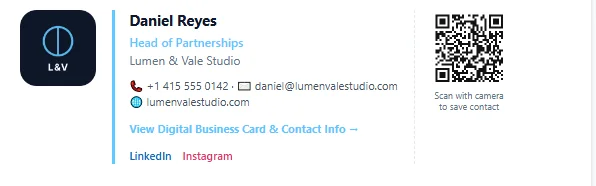
  • An email signature with a logo, a name, contact details and a QR code, shown in an email.

    Email signatures and backgrounds

    Put your card in every email and every video call.

    18 articles
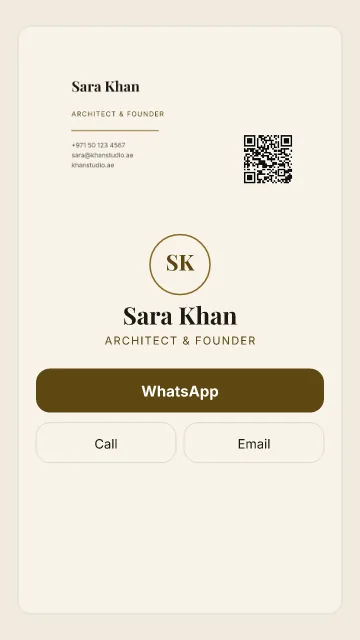
  • A printed card design in cream, with a name, job title, contact lines and a QR code.

    Designing printed cards

    Design a card to print, download it or print it at home.

    17 articles
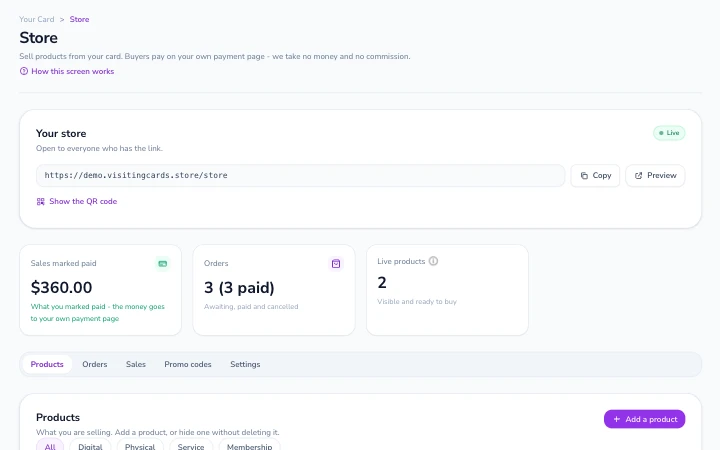
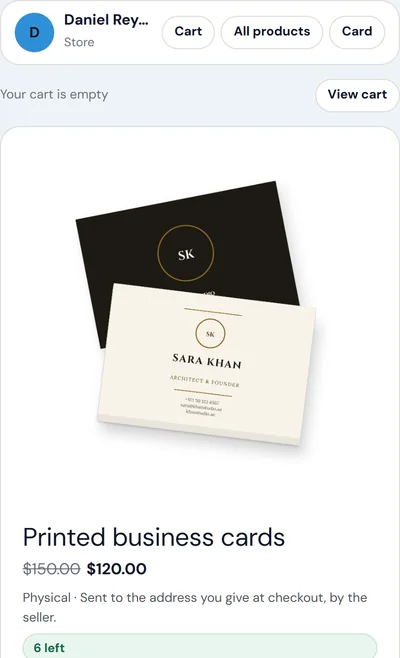
  • The Store screen: the store's own link, the sales so far, the orders and the products.

    Your store

    Sell products from your card, take orders, and get paid on your own payment link.

    5 articles
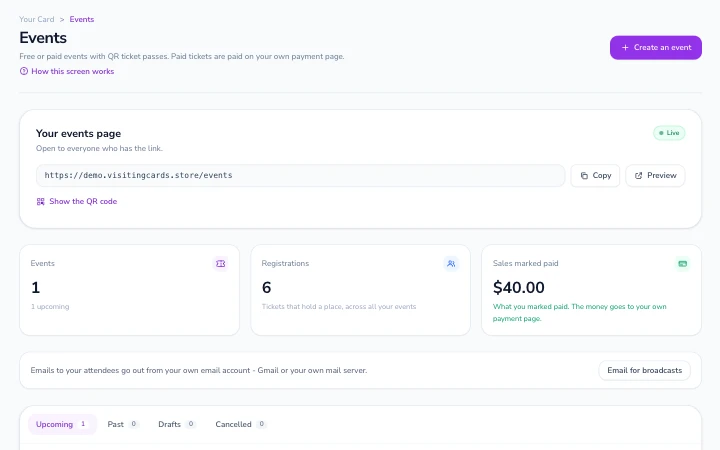
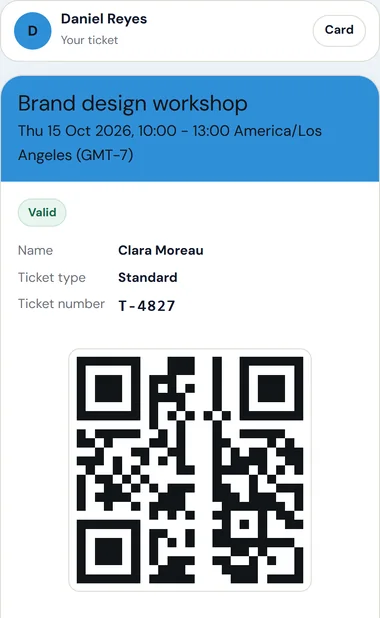
  • The Events screen: the events page's link, the counts of events, registrations and sales, and the event tabs.

    Events and tickets

    Run free or paid events, with ticket passes and a scanner for the door.

    6 articles
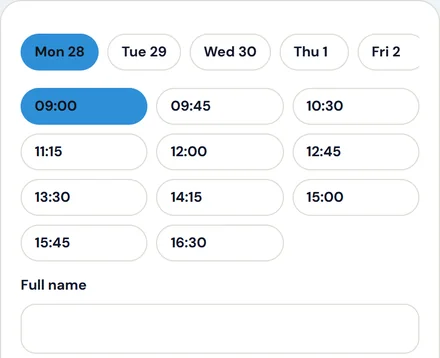
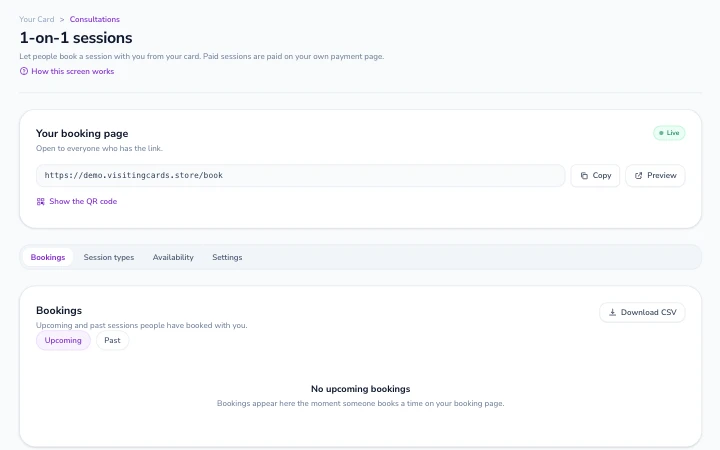
  • The 1-on-1 sessions screen: the booking page's link, its tabs and the list of upcoming bookings.

    Bookings

    Let people book 1-on-1 sessions with you, online or in person.

    3 articles
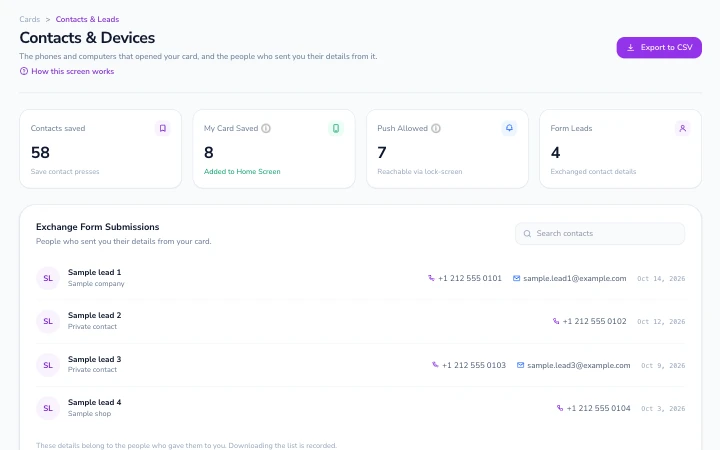
  • The People screen: the counts across the top and the list of people who sent their details through the card.

    People and contacts

    The people who left their details, and the phones that opened your card.

    14 articles
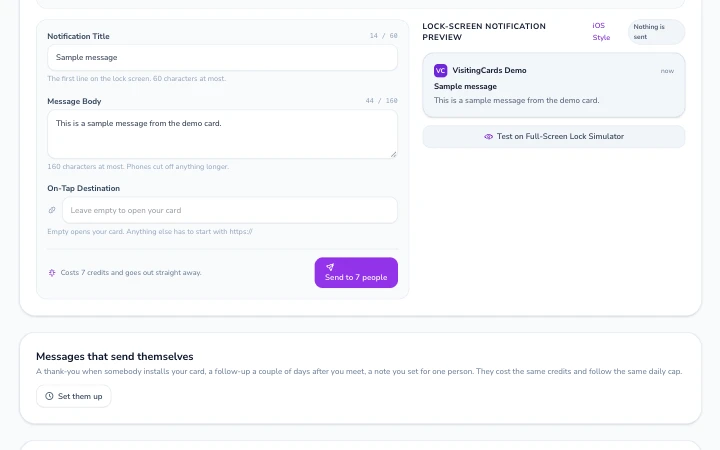

  • The Notify screen: a notification's title and message typed in, beside its lock-screen preview.

    Notifications

    Send a message to the phones that allowed notifications from your card.

    21 articles
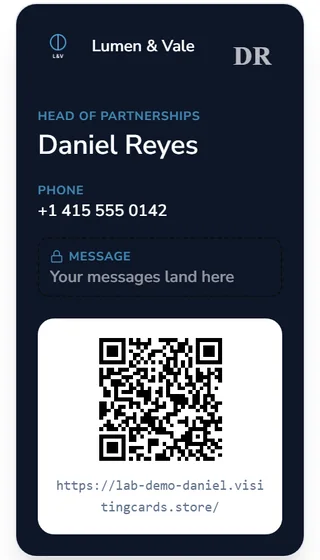
  • A wallet pass with a company logo, a name, a job title and a phone number.

    Wallet passes

    Your card in Apple Wallet and Google Wallet, plus alerts near a place.

    Add to Apple WalletAdd to Google Wallet28 articles
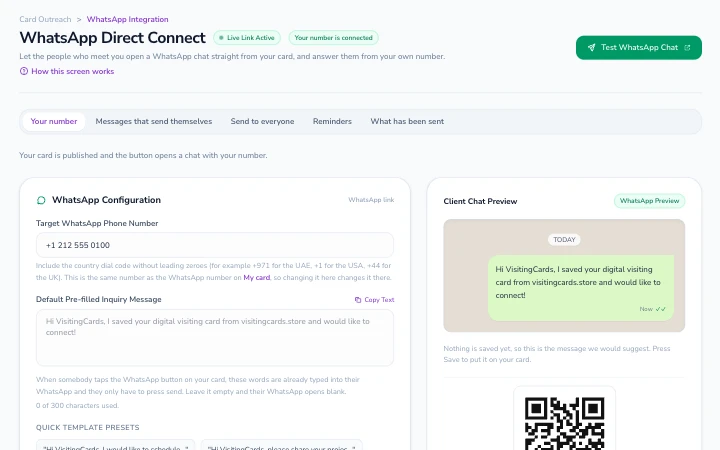
  • The WhatsApp screen: the number and the opening words for the WhatsApp button, beside a preview of the chat.

    WhatsApp

    The WhatsApp button, and messages from your own number.

    20 articles
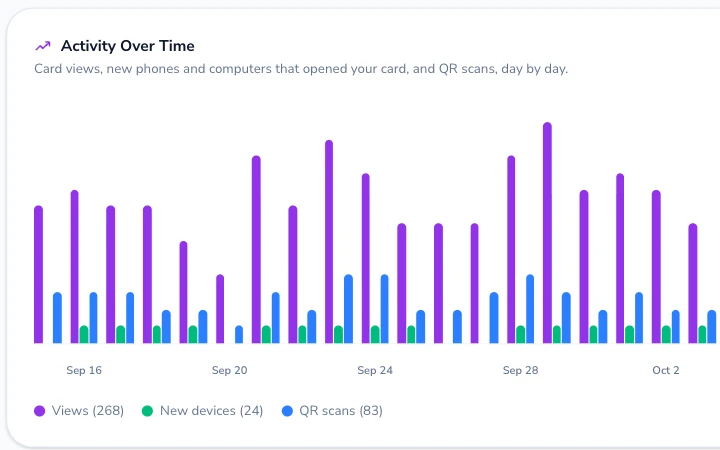
  • The Activity Over Time chart: card views, new phones and computers, and QR scans for each day.

    Analytics

    Who opened your card, from where, and what they tapped.

    11 articles
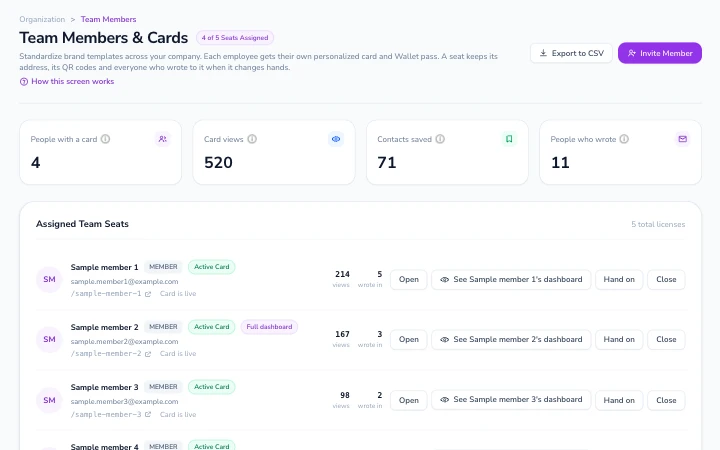
  • The Team screen: counts across the team and a row for each seat with its person, its card and its numbers.

    Teams and company cards

    Seats, invitations, the company look, and when people leave.

    21 articles
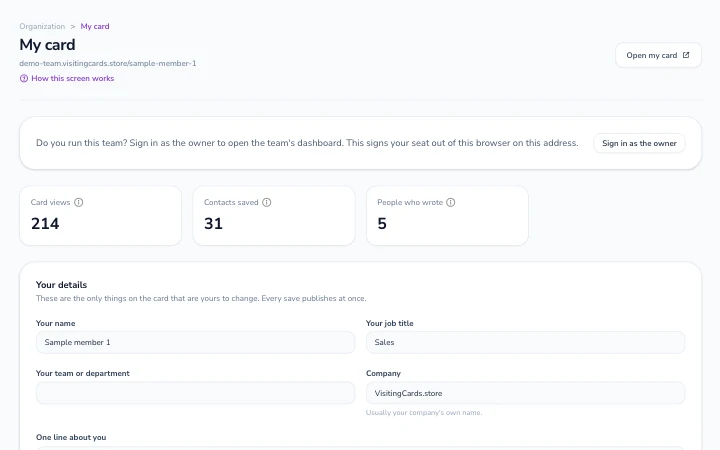
  • A team member's My card screen: their card's numbers and the form with their own details.

    For team members

    Join your company's team, edit your seat card, and use your own dashboard.

    6 articles
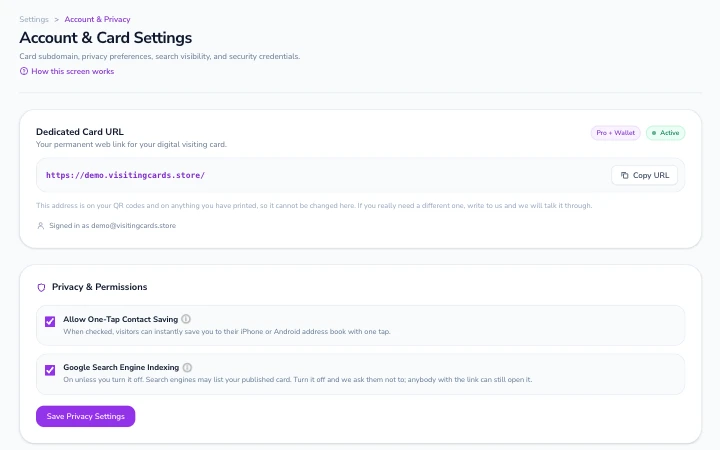
  • Settings: the card's own address with its Copy URL button, and the privacy switches.

    Account and settings

    Password, email, country, time zone, and closing your account.

    13 articles
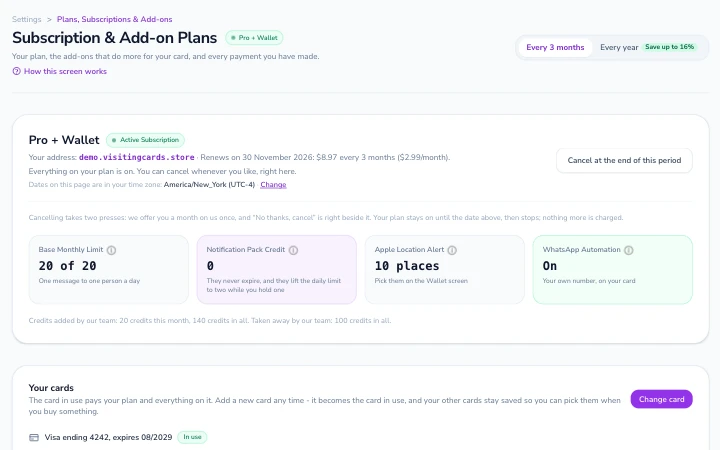
  • Billing: the plan in use with its renewal date, what it includes, and the saved card that pays for it.

    Plans and billing

    Free, Pro, add-ons, invoices, renewals and cancelling.

    23 articles
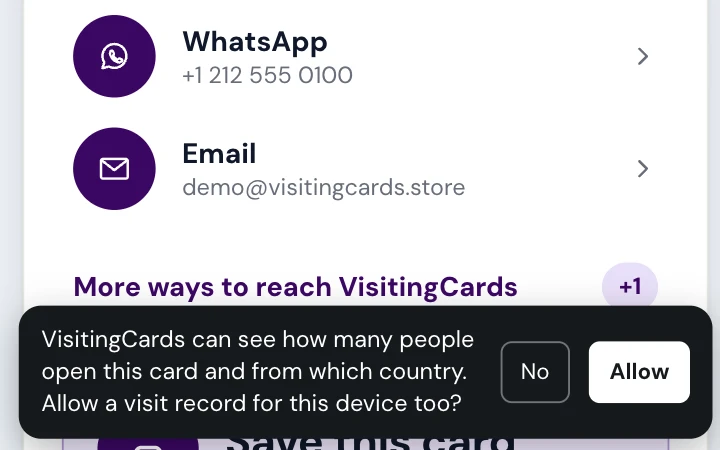
  • A card on a phone, with the bar at the bottom that asks whether to allow a visit record, and its No and Allow buttons.

    Privacy and safety

    What we keep, for how long, and how to report a card.

    11 articles
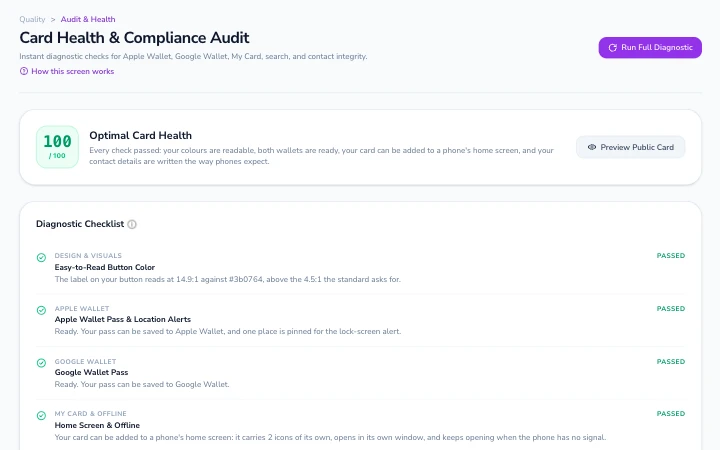
  • Card Health on the Review us screen: the score out of 100 and the checklist of what is set up.

    Troubleshooting

    When something does not work the way it should.

    20 articles
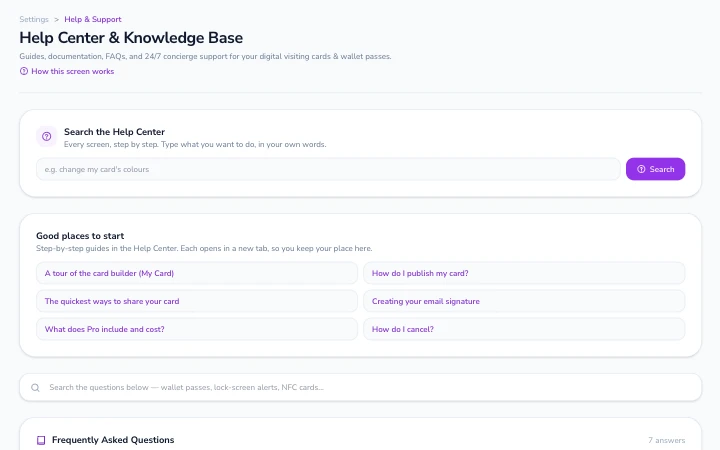
  • The Help screen in the dashboard: its search box and the good places to start.

    General questions

    Quick answers to the questions people ask most.

    3 articles

Good places to start

Got someone's card?

Save it, add it to your home screen, or get updates.

Read the guide
A card open on a phone, with buttons to message, call and email.

Still need help?

Write to us, or ask on the forum, where the next person will find the answer too.

Signed in? Use Help in your dashboard to send us a message.